
Make every sale feel like now or never.
Countdown Timer puts a live urgency clock on your promotions — automatically on any product with a sale-price end date, and anywhere else you want one. More urgency, more conversions, zero manual chasing.
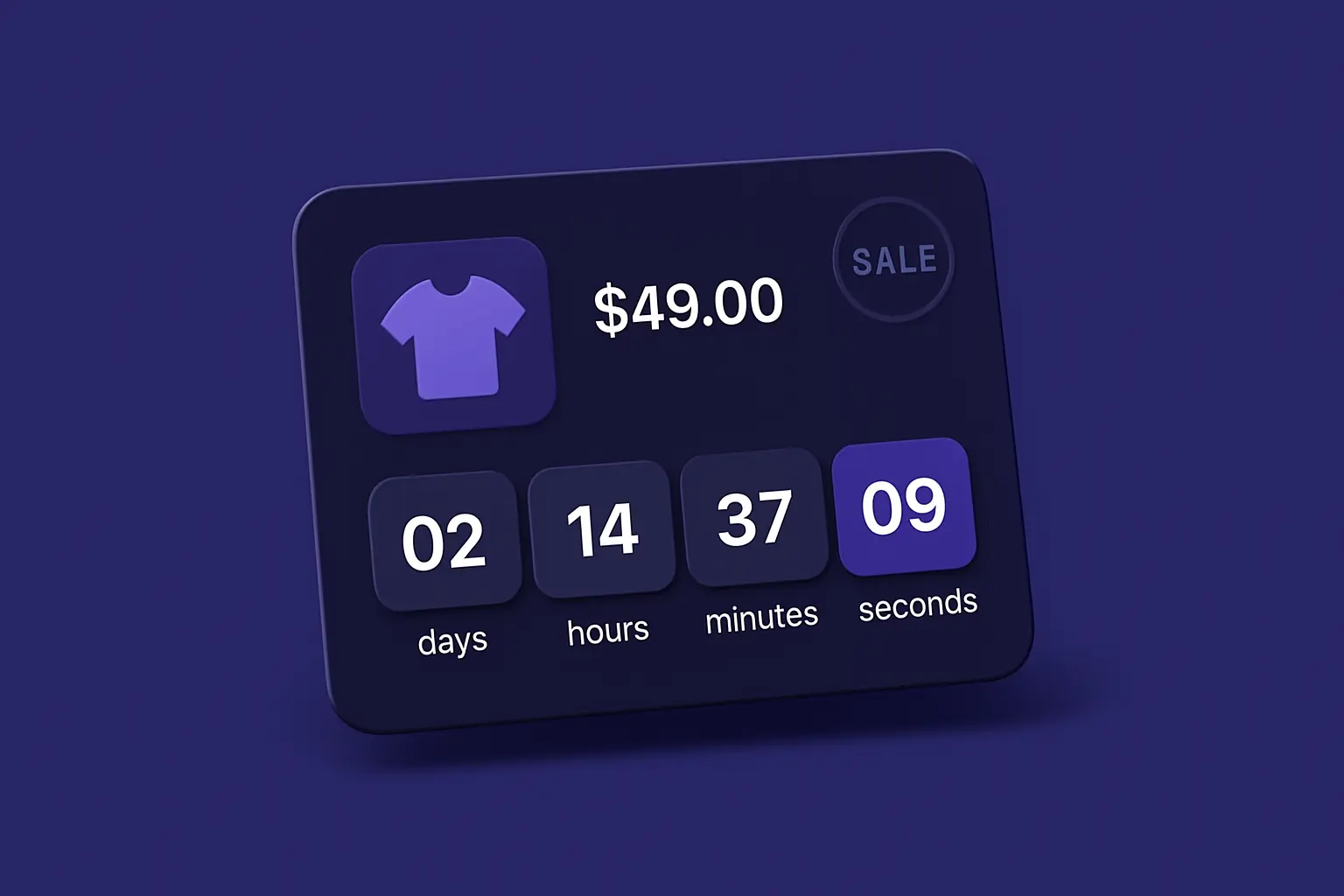
A sale price alone doesn't create urgency.
Drop your price and it just sits there looking like every other number on the page. Nothing tells a shopper the deal has a deadline — so "I'll think about it" wins, and the sale you discounted for converts no better than full price.
Countdown Timer puts a live, ticking deadline on every promotion — automatically on any sale-priced product, and anywhere else you schedule one — so "maybe later" becomes "buy it now."
Three ways to create urgency.
Automatic on every sale
Any product with a sale-price end date gets a live countdown on its page — no per-product setup. Set your special price, and the clock appears on its own.
Timers anywhere you sell
Schedule unlimited named timers with their own start and end, and place them on product, category and cart pages — or drop one into any CMS page or block with the widget.
On-brand and fast
Six colour themes plus a fully custom palette, in an expanded or compact style. Rendered server-side so it looks right instantly and works even with JavaScript off.

A live clock on your promotions.
The moment you set a sale price with an end date, a live countdown appears on that product's page — counting down the days, hours, minutes and seconds until the deal is gone. Nothing to place, nothing to babysit.
- Auto-driven by your product's native sale-price end date
- Expanded labelled segments, or a compact inline clock
- Choose what happens at zero: hide it, show a message, or freeze at 00:00:00
- Ticks live, but renders complete with JavaScript off — no blank flash, no layout shift
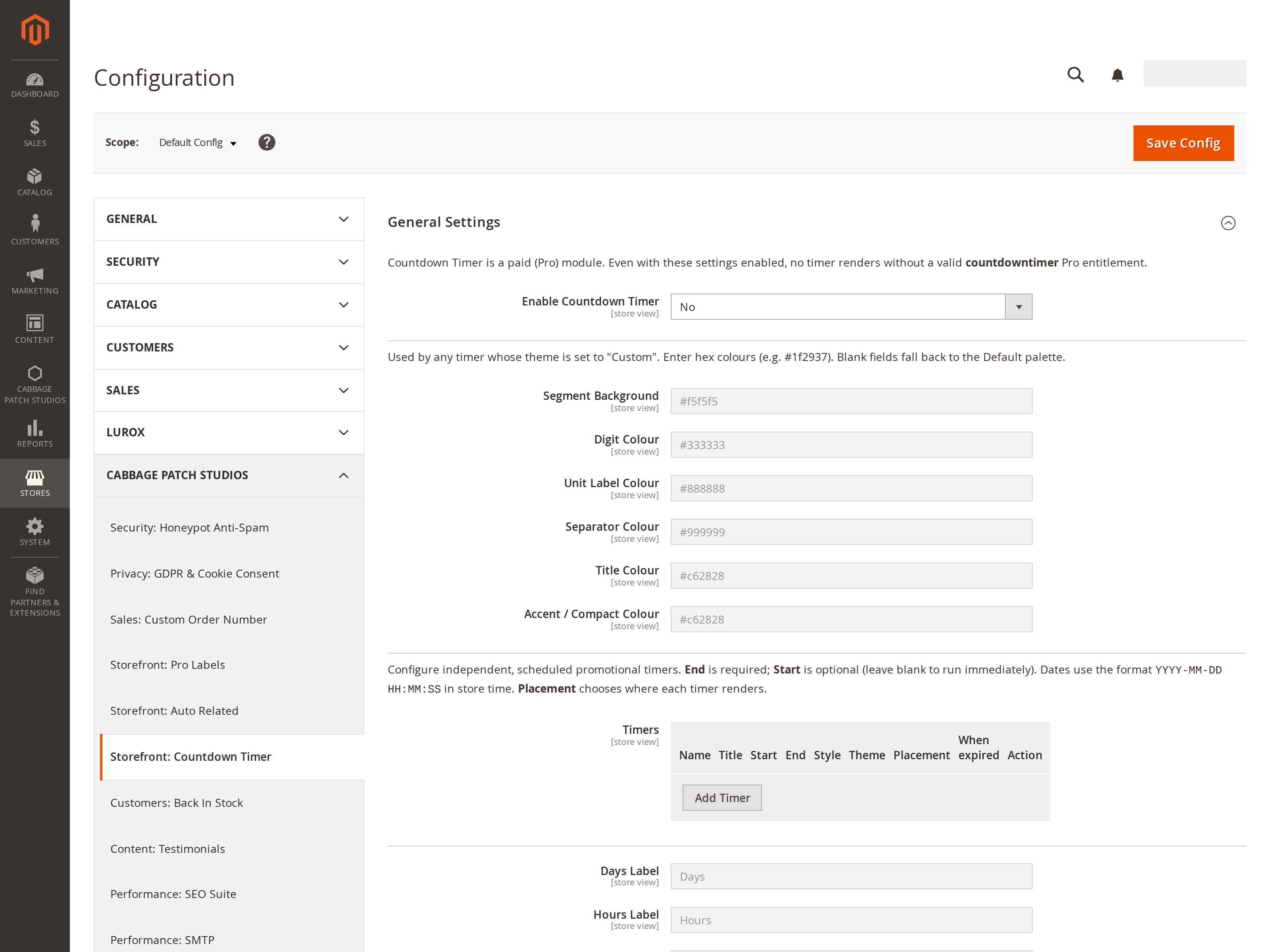
Unlimited timers, one simple grid.
Beyond the automatic sale timers, add as many scheduled timers as you like from one admin grid. Each row is its own promotion — name it, set the window, pick where it shows and how it looks.
- Unlimited named timers, each with its own start, end and title
- Place on product, category or cart pages — or via the CMS widget
- Per-timer style, colour theme and expiry behaviour
- Configurable per store view; nothing renders without an active licence
One engine, dialled to your store.
Six themes + custom
Default, light, dark, urgent, festive — or a fully custom six-colour palette. Every timer picks its own theme, or inherits your store default.
Scheduled to the second
Each named timer has an optional start and a required end, evaluated in your store's timezone — so a timer can go live and expire exactly when your promotion does.
Graceful at zero
Decide per timer what happens when the clock runs out: quietly hide it, swap in an "offer has ended" message, or hold it at zero. No broken states.
The storefront clock and the timers grid.


How to add a countdown to a Magento 2 sale
- Install Countdown Timer and set it to Enabled under Stores → Configuration → CPS → Countdown Timer.
- On any product, set a Special Price with a "Special Price To" date (
special_to_date). - That's it — a live countdown appears on that product page, ticking down to the special-price end date. No banner to place, nothing to pull down.
- Pick the store default style (expanded or compact), theme and expiry behaviour, or leave the defaults.
How to schedule promotional timers anywhere
- Open the Named Timers grid in the Countdown Timer configuration.
- Add a row per promotion: a name and title, an optional start and a required end (YYYY-MM-DD HH:MM:SS in your store's timezone).
- Choose the style (expanded or compact), colour theme (five presets or a custom palette) and placement — product, category, cart, or all three.
- Set what happens at zero — hide it, show an "offer has ended" message, or hold at 00:00:00. Or drop a timer into any CMS page or block with the widget.
Every setting is store-view scoped; one perpetual licence covers your domain.
Why it works
Urgency sells.
A deal with no deadline is easy to put off. A ticking clock turns "maybe later" into "buy it now" — and Countdown Timer puts one on every promotion, automatically. See it live on our demo store.
See it live on the demo storeWhy merchants pick CPS Countdown Timer
Automatic, zero-setup timers
Every sale-priced product gets a live countdown from its special-price end date — no per-product work, no banner to remember to remove.
Scheduled to the second
Unlimited named timers with an optional start and a required end, evaluated in your store's timezone, on product, category and cart pages.
On-brand: five themes + custom
Five preset colour themes plus a fully custom palette, in an expanded or compact style — every timer matches the promotion.
Static-first, SEO-safe
Rendered server-side with the real remaining time, so it's in the HTML and works with JavaScript off. No framework, nothing loaded from a CDN.
Graceful at zero
Choose per timer what happens when the clock runs out: hide it, swap in a message, or hold at zero. No broken states.
Own it, don't rent it
A perpetual licence per domain — $129, one time, no monthly fee. Your timers keep running whether or not you renew updates.
Why merchants switch
The old way vs Countdown Timer
The old way
- A sale price that looks the same as every other price
- Nothing tells shoppers the deal is about to end
- Hand-place a banner, then remember to pull it down
With Countdown Timer
- Every sale wears a live, visible deadline
- Timers appear and expire on schedule, on their own
- On-brand in six themes — or your exact colours
One simple licence
Premium urgency, one price.
Licensed per domain. Perpetual — your licence never expires.
Countdown Timer
Pro- Automatic countdown on every sale-priced product
- Unlimited scheduled named timers
- Product, category, cart & CMS-widget placement
- 6 colour themes + fully custom palette
- Expanded or compact style · multi-store aware
- 12 months of updates & support
- 30-day money-back guarantee
The details.
Magento 2.4.x
PHP 8 · Luma & Lurox themes.
Static-first
Server-rendered; no framework, no CDN.
Per domain
Perpetual licence, per website.
Four surfaces
Product, category, cart & CMS widget.
Release history
Actively maintained — every entry maps to a real release.
Questions, answered.
It reads your product's native sale-price end date (special_to_date). Set a special price with an end date and a countdown appears on that product page automatically — no per-product configuration.
Yes. Create unlimited named timers in the admin grid, each with its own optional start, required end, title, style, colour theme and placement — on product, category or cart pages. You can also drop a timer into any CMS page or block with the included widget.
You choose, per timer: quietly hide it, show an "offer has ended" message, or hold it at 00:00:00. No broken or blank states.
No. The timer is rendered server-side with the real remaining time, so it's complete in the HTML and works even with JavaScript disabled. A tiny, self-hosted script just makes the digits tick — there's no framework and nothing loaded from a CDN.
Yes. It renders on Luma, Hyvä and Lurox themes, degrades gracefully where JavaScript isn't present, and every setting is configurable per store view.
One perpetual licence per domain — $129, including 12 months of updates and support, with a 30-day money-back guarantee. No timer renders without an active licence.
Need a timer behaviour we don't ship?
Countdown Timer covers automatic sale timers and scheduled named timers out of the box. If you need something bespoke — a per-visitor evergreen countdown, a recurring daily reset, cart-value thresholds, or a timer tied to your own event — tell us about your store and we'll scope it, usually within one business day.
We build these on top of Countdown Timer, so you keep the engine and add exactly the behaviour you need.
Put a clock on your next sale.
Automatic urgency timers for Magento 2 — live on every sale price, and anywhere else you want one. Set it once and let every promotion sell harder.
Buy Countdown Timer — $129